
Here we will look at home printing vs online prints – some of the pros, cons and our recommended tips if you decide to print at home.
Choosing home printing vs online prints
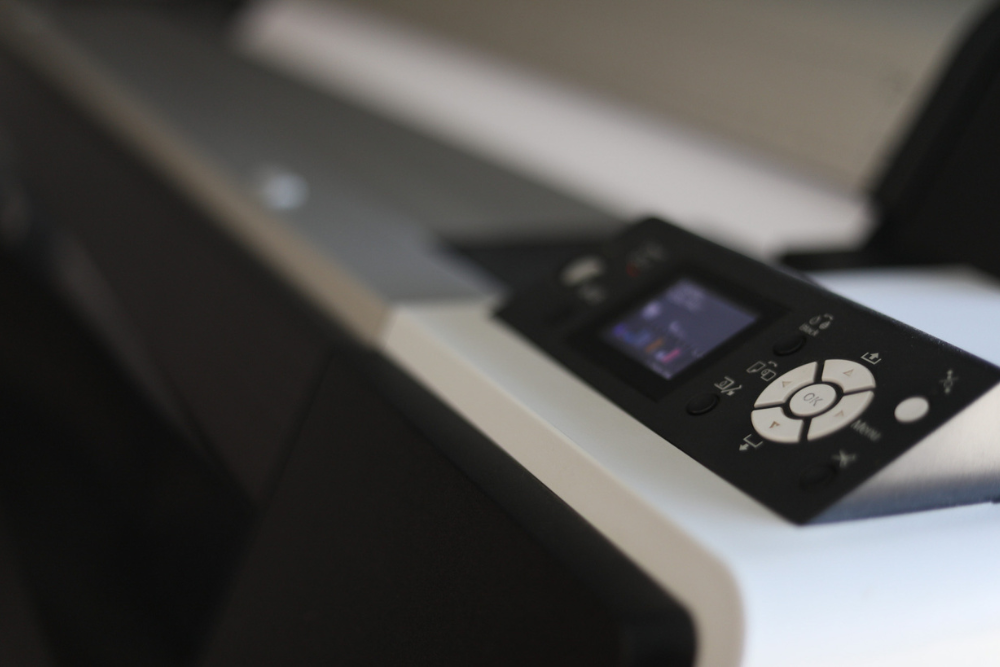
High-quality printers have microscopic spray heads that lay down the ink on your media. Modern machines have excellent software and technology that has improved the maintenance of ink blockages of these heads but good practice requires head cleans from time to time. The more a printer works the better these photo printers nozzles remain unblocked. So if you are going to enjoy printing lots of photos, this can be a nice option. But don’t forget your ink heads maintenance!
Printer size
The most popular photo printers are A3. If you go bigger, you do need a large format printer. So if you are printing wall art that is bigger than A3 you need to spend allot more and extra space in your home,
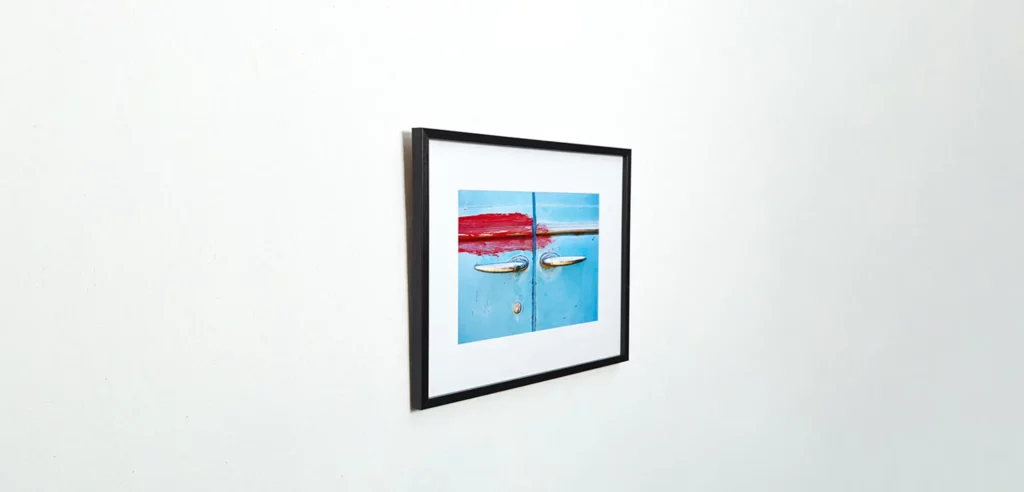
To frame a photo well it is imperative that the photo is mounted on a backing board so that the print remains perfectly flat and will not change shape in changing climates. If you crop your print to a custom size, you should cut your frame and matt board to the aspect ratio, but be aware that extra tools are required for this.
Mounting photo prints requires a stable backing board that should ideally have its own laminating adhesive, otherwise you can use double-sided tape. At Printwild, we use a roller laminator for prints to make sure we do not get any of those nasty bubbles between the print and its backing board. When laminating it is important to ensure the print is completely dust free. If you get this wrong, you will end up spending more time and money re-printing.
Media Profiling
All media has its own porosity, tint and texture meaning that you must use the correct profile for that paper. Most good paper manufactures will have these paper profiles available on their website. My favourite method is to load the paper profile and then run a bunch of test prints like this:
- Match your monitor to the print after the first print. This will calibrate your monitor to your print.
- Adjust your onscreen print.
- Save the adjustments as an Adobe Photoshop action or Lightroom adjustment set that you can always run for your specific printer and media.

Once you are happy with the settings it is easier to prepare your prints in a consistent print result.
There are some good photo printing test images here.
Trimming
Modern printers can print full-bleed (when a print has no margins) but I do prefer to print and then trim my images. When trimming:
- Use a cutting mat to ensure your blade does not wander off your cut line.
- Use a new blade as sharp blades improve both the quality and accuracy of your cut.
- Use a metal ruler to cut along, as a plastic ruler will also get cut by the blade.
High-quality home photo printers
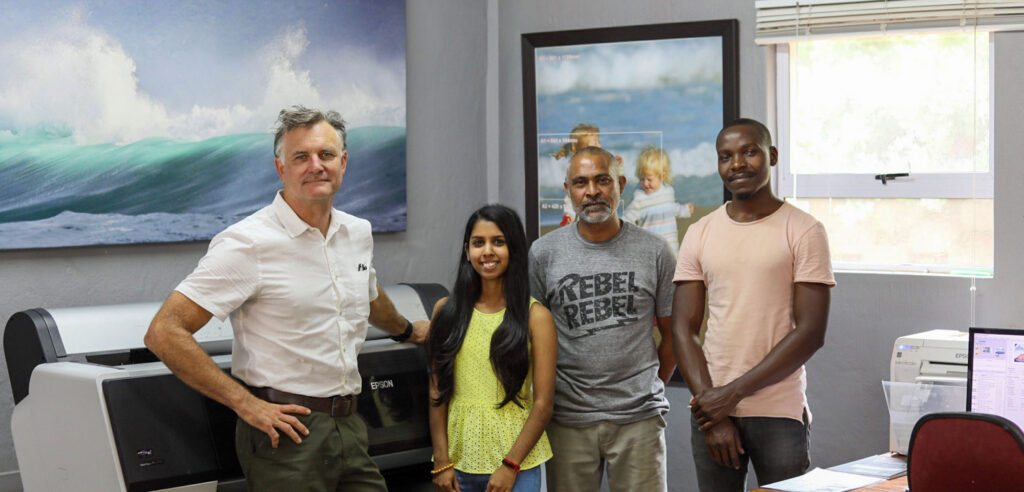
In my opinion, Epson Ultra-Chrome inks are the most accurate and stable and this desktop photo printer is one of the best out there; just remember these machines should print often. There are other great desktop printers in the market but as far as fine art printing goes Epson has been the leader in this area for may years.
Another great option is to use the new eco- solvent refillable printers as the ink cost is much cheaper making even your standard bond paper prints look great. Also the increased volume helps keep those tiny nozzles open with reduced blocking. This option can reduce your ink costs by 80% but will not have the stability of those expensive Ultra-Chrome inks.
You are welcome to contact us with any questions on these or any of our other products. The PrintWild Team is here to help turn your favourite image into a work of art!