
January is officially the month of the “fresh start.” We’ve cleared out the cupboards, set our New Year’s resolutions, and tidied up our workspaces. But there is one place that is likely still cluttered from the festive season: your phone’s camera roll.
If you’re like us, your gallery is currently a mix of stunning December sunset shots, three-dozen blurry attempts at a family group photo, and screenshots of recipes you’ll probably never cook.
Before the rush of 2026 takes over, it’s time for a Digital Deep Clean. By spending just 20 minutes organizing your 2025 memories now, you’ll turn the “daunting chore” of printing into a quick, 5-minute win.
Here is our step-by-step guide to getting your photos print-ready:
Step 1: The Great Cull (Be Ruthless!)
The biggest barrier to printing is having too many photos to choose from. Start by scrolling through your December holidays and the highlights of 2025.
- Delete the “Near Misses”: If you have 10 shots of the same beach scene, pick the best one and delete the other nine.
- Clear the Clutter: Delete those temporary screenshots, accidental pocket-photos, and “where we parked” reminders.
Step 2: Use the “Heart” Button
This is the ultimate pro-tip for PrintWild fans. As you scroll, tap the “Favorite” (Heart icon) on any photo that makes you smile.
- By doing this, you are pre-selecting your print candidates.
- When you eventually go to www.printwild.co.za, you won’t have to scroll through thousands of images; you’ll just look at your “Favorites” folder.
Step 3: Create Themed Folders
If you want to get really organized, create specific folders for 2025. We suggest:
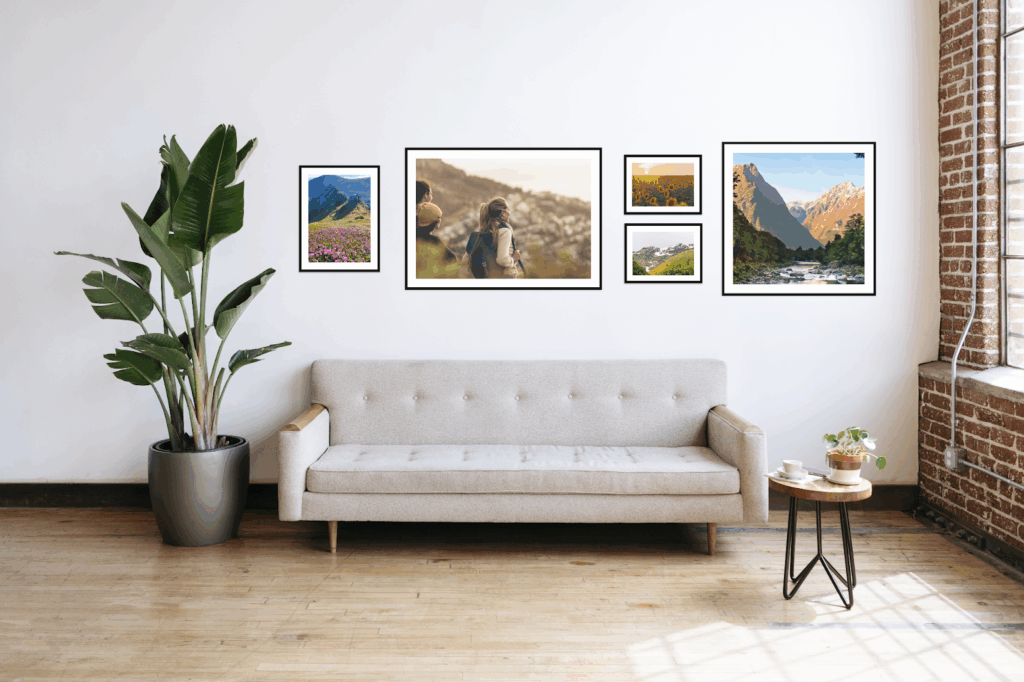
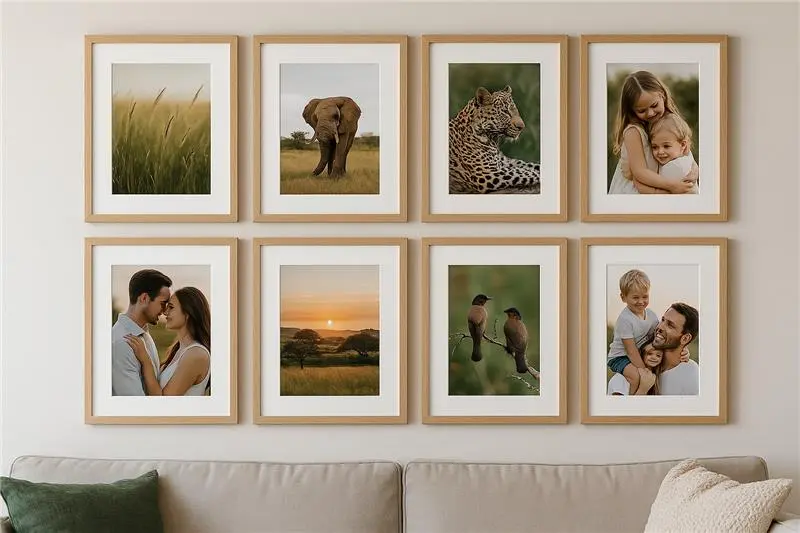
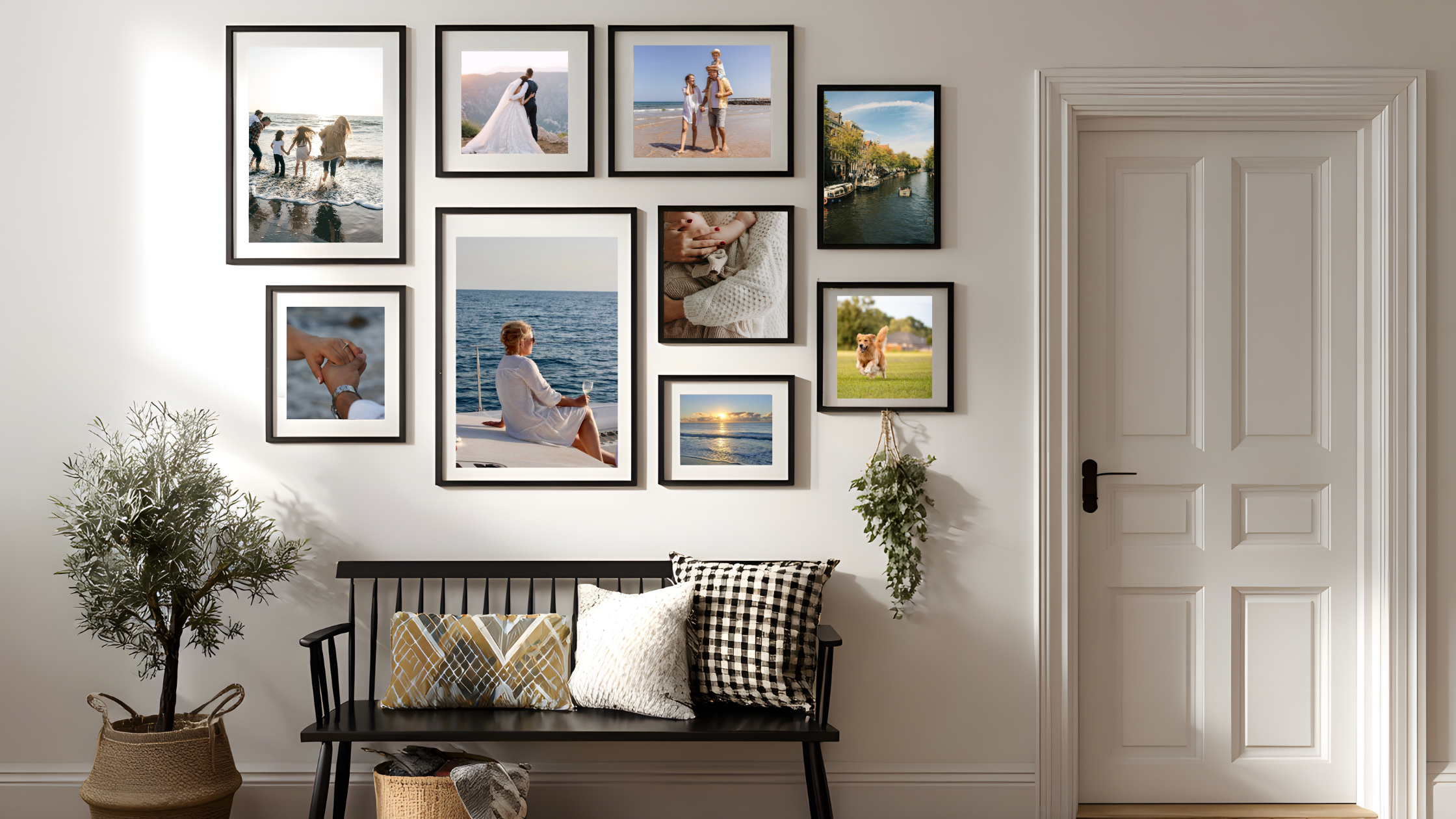
- “Best of 2025”: For your big wall-art candidates.
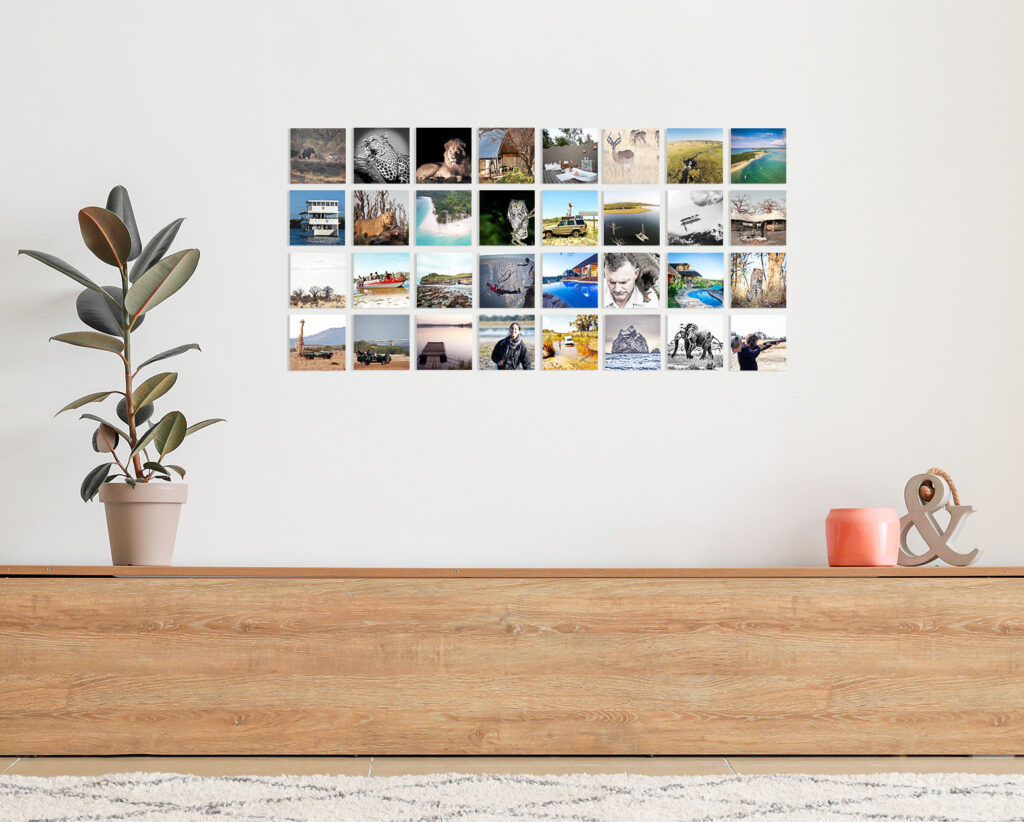
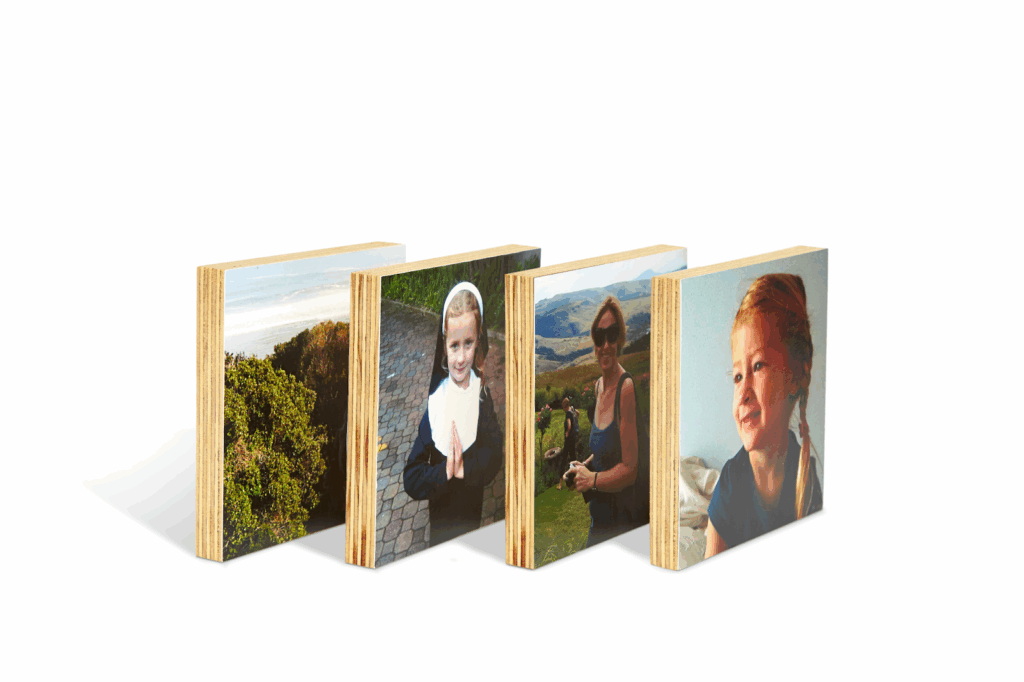
- “Summer 2025”: Perfect for a collection of Faceblocks.
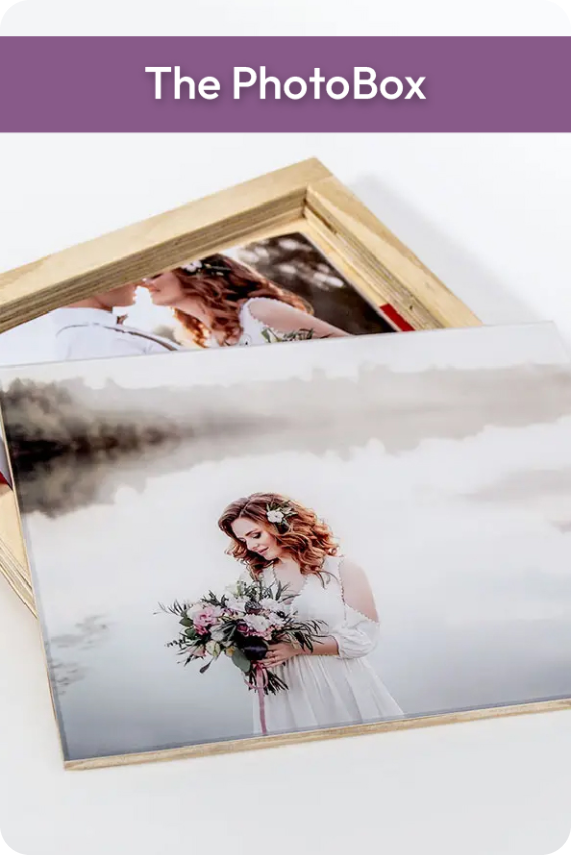
- “The Kids 2025”: For that dedicated PhotoBox or Magna Tot set.
Step 4: Check Your Resolution
Before you get your heart set on a massive Premium Canvas, check the file size. If you’ve received a photo via WhatsApp, the quality is often compressed. Try to find the original file or the one saved directly from your camera for the sharpest results.
The PrintWild Tie-In: From Phone to Wall in Minutes
Why do we suggest this digital spring cleaning? Because we want to make your life easier!
When your photos are already “hearted” and organized into a folder, ordering from PrintWild becomes a breeze.
- Faceblocks: Since they come in sets, having a “Best of” folder means you can just bulk-upload and checkout in under 5 minutes.
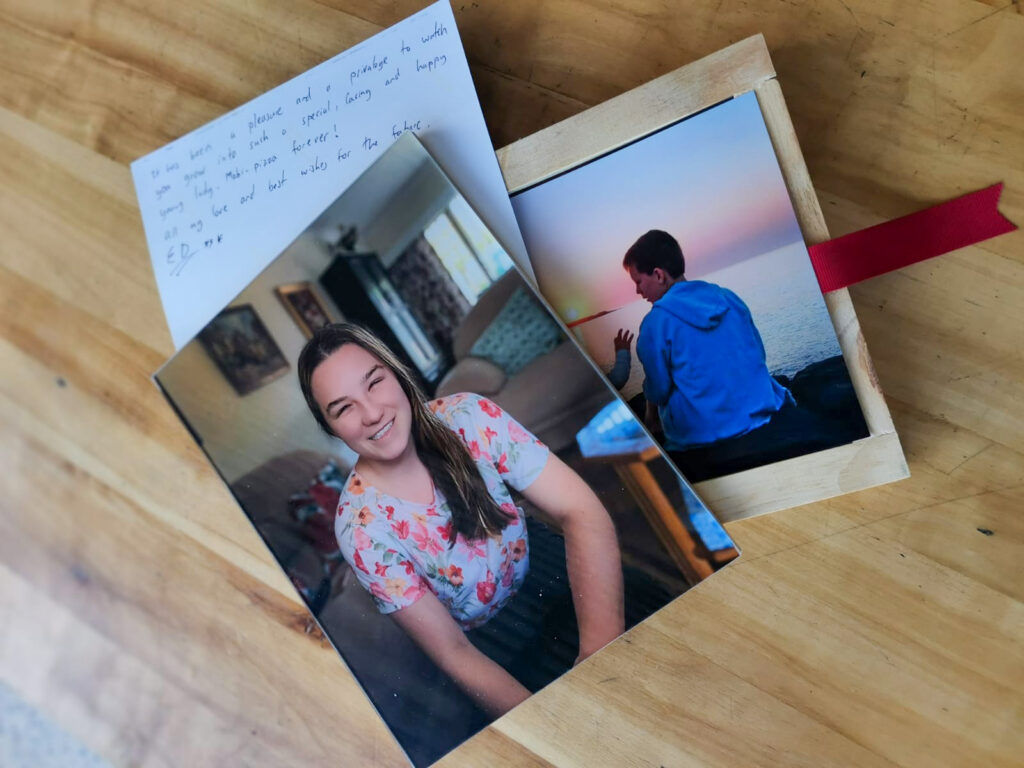
- The PhotoBox: Having your 50 favorite memories pre-selected makes filling your timber PhotoBox a joy rather than a puzzle.
- Magna Tots: Quickly grab those cute candid shots from your “Favorites” to brighten up your fridge.
Ready to start your 2026 with a clutter-free phone and a beautiful wall? Once you’ve done your deep clean, head over to our website and let’s turn those digital files into something you can actually hold.