
When your images print too dark there are two main contributing factors that come into play.
Printed pictures are reflected light, monitor images are projected light.
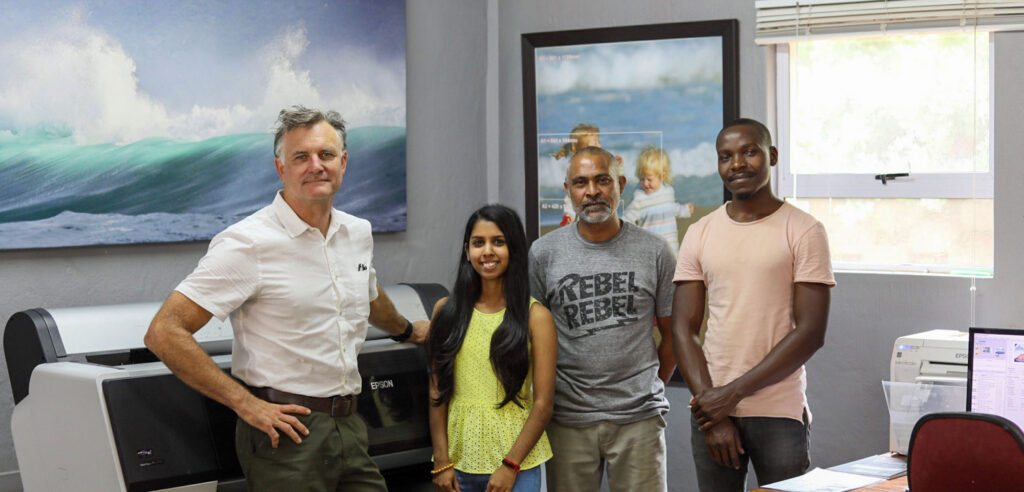
Monitors are projecting light to you so they are brighter to your eye and this is why I have always made sure that I push my exposure more than the screen. At PrintWild whether we are printing canvas prints or photo prints on fine art paper, we always urge our clients to let us edit the images because so often what a client thinks is the perfect uploaded image will not print perfectly until we adjust it for print.
Your monitor may be too bright making your printed images to dark.
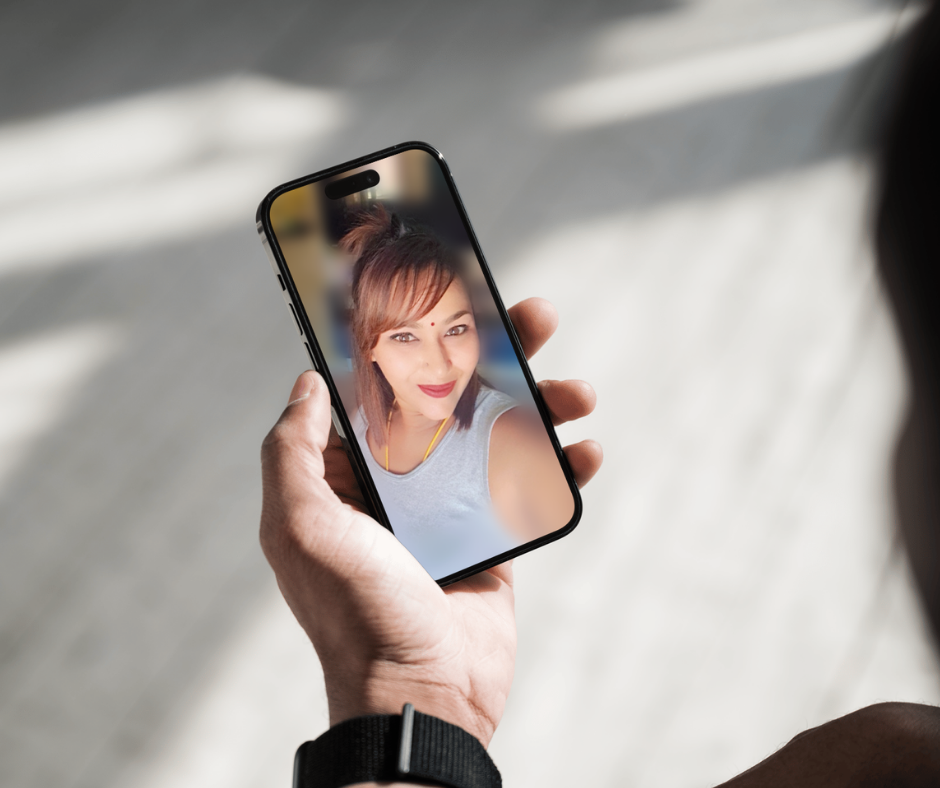
Professionals use a screen calibration tool like the screen spider to calibrate their monitor. If a monitor or mobile device screen is set too bright, you are editing under the perception that the image is brighter than it really is. At Printwild, a printed image is used to adjust the brightness of the screen to match the printed image. It is a rough way of doing it but in the absence of a calibration device this works well.
How much should I brighten my images?
I lift my brightness by 0.5 EV or otherwise known as half a stop. So, in pro editing software like Adobe Lightroom or Adobe Photoshop this is done in the exposure or brightness function.
On a mobile device under the editing functionality the exposure of brightness may be in a percentage value and and in this case, it will be around 10%.
Watch your highlights and push the brightness until the highlights are still distinguishable but as bright as possible to avoid those dark areas printing too dark.


All cameras and devices are different so this is a guide.
Seldom is an image printed too bright compared to this common issue of images printing too dark.
When ordering canvas or a fine art print choosing the option “edit for best print” will allow us to adjust the brightness.
If in doubt or you are needing any advice, contact us and we will happily assist!